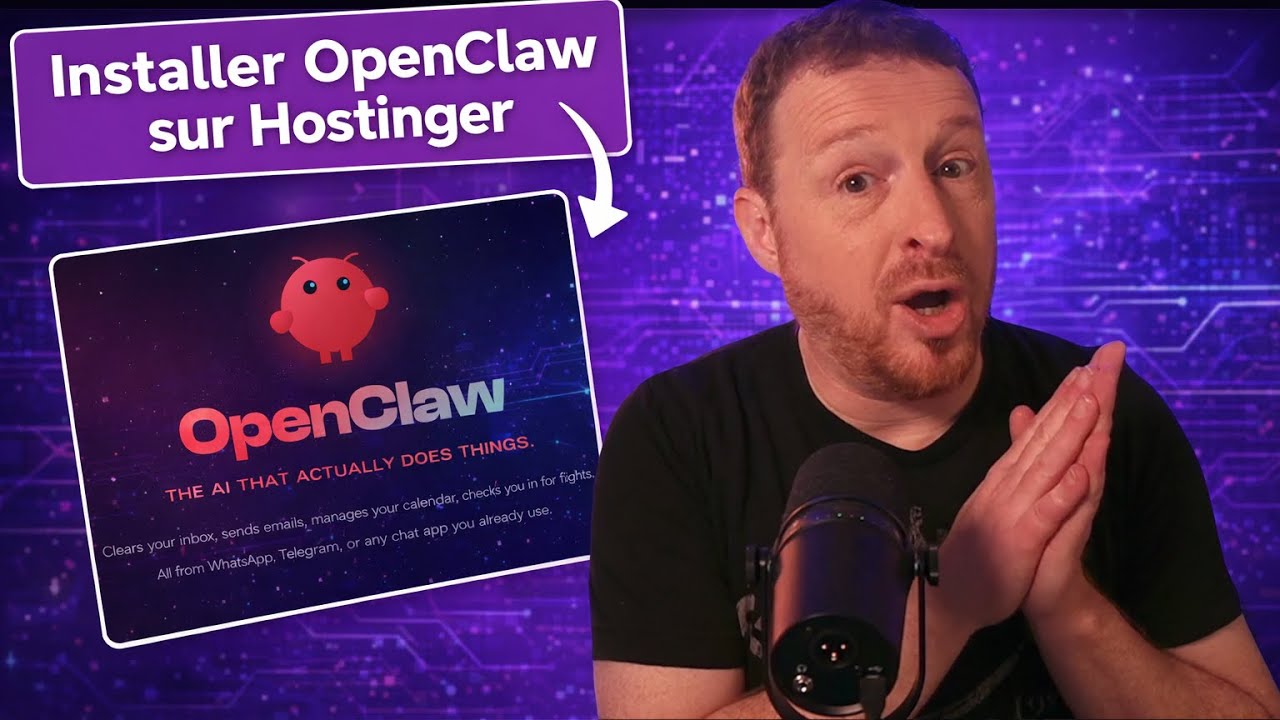
Comment installer et utilise OpenClaw (ClawdBot) sur un VPS Hostinger
How to install and use OpenClaw (ClawdBot) on a Hostinger VPS
Keywords
Summary
163 words
Critical Evaluation
Value of the Information & Strength of the Argument
The video provides a clear and practical guide for installing OpenClaw on a VPS, which is valuable for users interested in self-hosting AI agents. The argumentation is straightforward, emphasizing the security benefits of using a VPS over a personal computer. However, the reasoning is somewhat biased due to the promotional nature of the content, as the creator heavily endorses Hostinger without a critical comparison of alternatives. The security risks are mentioned but not deeply analyzed, and the technical steps are simplified, which may not be sufficient for advanced users.
Scientific Rigor, Source Quality, Title Accuracy
The video references the official OpenClaw documentation and Hostinger’s VPS services, but the sources are not independently verified. The title accurately reflects the content, which is a tutorial on installing OpenClaw on a Hostinger VPS. The creator does not provide external scientific sources, and the information is based on personal experience and promotional material. The video’s technical accuracy is moderate, as it focuses on practical steps rather than in-depth security analysis.
175 words
Title / Content Match
The title accurately reflects the content: a step-by-step guide to installing OpenClaw on a Hostinger VPS.
Quality & Reliability
6/10
The video is a practical tutorial with clear steps, but it relies heavily on promotional content for Hostinger and lacks in-depth technical verification. Security risks are mentioned but not thoroughly analyzed.
Chapters
Cited Sources
- Hostinger VPS offer — The creator promotes this link for a discounted VPS package with OpenClaw pre-installed.
- Renaud Dékode's website — The creator directs viewers to his website for further discussions and tests.
Concurring Sources
- OpenClaw official documentation — The video references the official documentation for installation steps, which aligns with the tutorial's instructions.
Dissenting Sources
- Security concerns with AI agents — The video mentions security risks but does not provide detailed analysis or external sources to support the claims.
Contribution & Novelties
The video provides a practical, step-by-step guide for deploying OpenClaw on a VPS, which is useful for non-experts. It highlights the security advantages of using a VPS over a personal computer, a key consideration for AI agents with system access. The tutorial also introduces Hostinger’s Codi AI assistant as a tool to simplify installation, which is a novel approach for beginners.
Pour aller plus loin :
- OpenClaw GitHub repository — The official source code and documentation for OpenClaw.
- VPS hosting on Wikipedia — Overview of virtual private servers and their uses.
- AI agent on Wikipedia — Explanation of AI agents and their capabilities.
103 words
Radar Profile
The radar profile shows moderate scores across all dimensions, indicating a balanced but not exceptional video. The quantity of information is adequate, but the quality and technical depth are limited, reflecting the tutorial's practical focus rather than in-depth analysis.