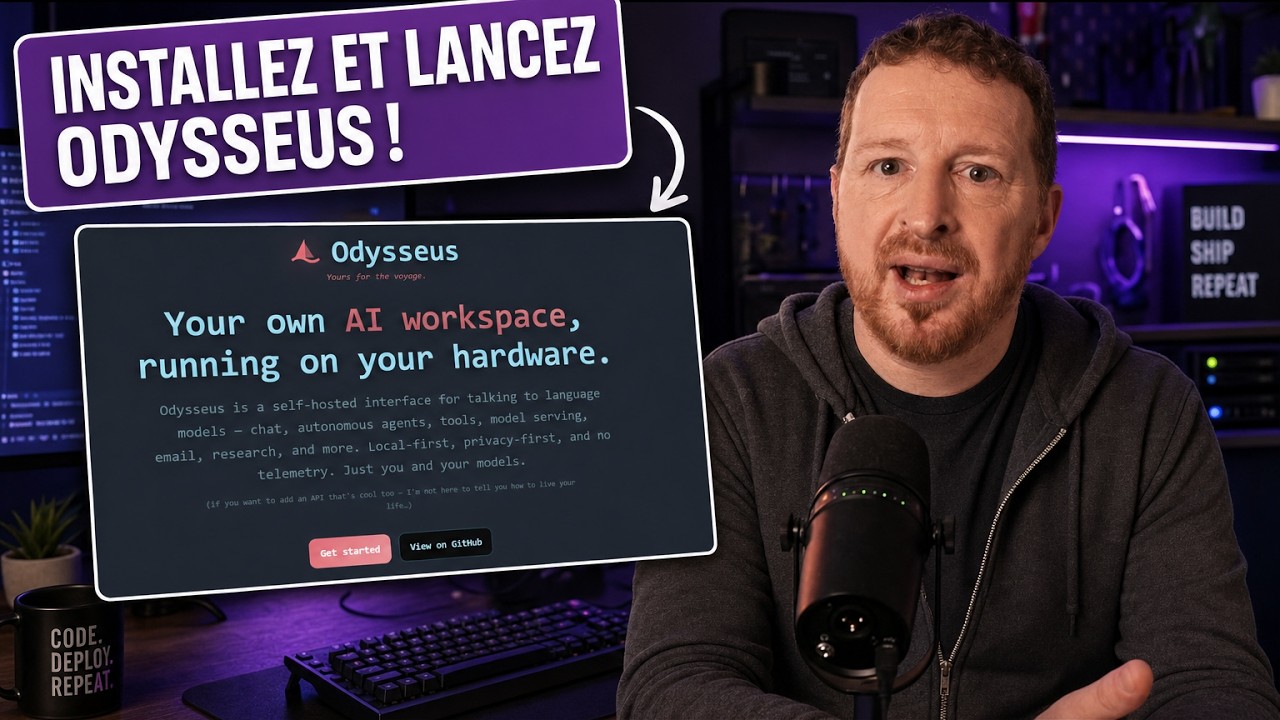
Comment utiliser Odysseus, l'app IA de PewDiePie
How to use Odysseus, PewDiePie's AI app
Keywords
Summary
155 words
Critical Evaluation
Value of the Information & Strength of the Argument
The video provides a clear, step-by-step tutorial that is easy to follow, making it valuable for users interested in self-hosting AI tools. The argumentation is practical, focusing on the ease of installation and the benefits of data privacy. However, the presenter’s enthusiasm for the tool and the sponsor may introduce bias, and the video does not critically evaluate potential drawbacks or compare Odysseus with other similar tools in depth.
Scientific Rigor, Source Quality, Title Accuracy
The tutorial is technically accurate, and the presenter demonstrates the installation process live. The sources cited are primarily the sponsor’s link and the presenter’s own website, which are not independent sources. The title accurately reflects the content. The video does not provide external references or citations to official documentation, which limits its scientific rigor. The presenter’s expertise is evident, but the lack of independent verification and the promotional nature of the video reduce its overall reliability.
160 words
Title / Content Match
The title accurately reflects the content, which is a tutorial on using Odysseus.
Quality & Reliability
7/10
The video is a practical tutorial with clear step-by-step instructions, but it is heavily sponsored and lacks critical evaluation of the tool's limitations. The technical information is accurate but not deeply verified.
Key Moments
Markers derived by PSI from the transcript: the creator did not define chapters.
- Introduction to Odysseus and its features
- Installation on Hostinger VPS with one-click deploy
- First login and retrieving admin password
- Connecting AI models via API (OpenAI, OpenRouter)
- Exploring the Chat tab and Cookbook
- Testing Deep Research feature
- Running an autonomous agent
- Comparing models side-by-side
- Overview of Extras: email, calendar, notes, image generation
Cited Sources
- Hostinger VPS with Odysseus — Sponsor link for one-click deployment of Odysseus on a VPS
- Renaud Dékode's website — Presenter's website with community and resources
- Klub Renaud Dékode — Subscription community for AI learning
Concurring Sources
- Docker documentation — Official documentation for Docker, the platform used to deploy Odysseus.
- OpenRouter — Service for accessing multiple AI models via API, as recommended in the video.
Contribution & Novelties
The video provides a practical, hands-on tutorial for installing and using Odysseus, a relatively new self-hosted AI workspace. It highlights the ease of deployment via Docker and the benefits of data privacy. The presenter’s approach is accessible for non-experts, making it a valuable resource for those interested in self-hosting AI tools.
Pour aller plus loin :
- Docker — Containerization platform used for deploying Odysseus.
- OpenRouter — API service for accessing multiple AI models.
- Ollama — Tool for running local AI models, mentioned in the video.
85 words
Radar Profile
The radar profile shows high scores in information quantity and quality, reflecting the detailed tutorial content. The technical level is moderate, suitable for intermediate users. The overall reliability is good but not exceptional due to the promotional nature.