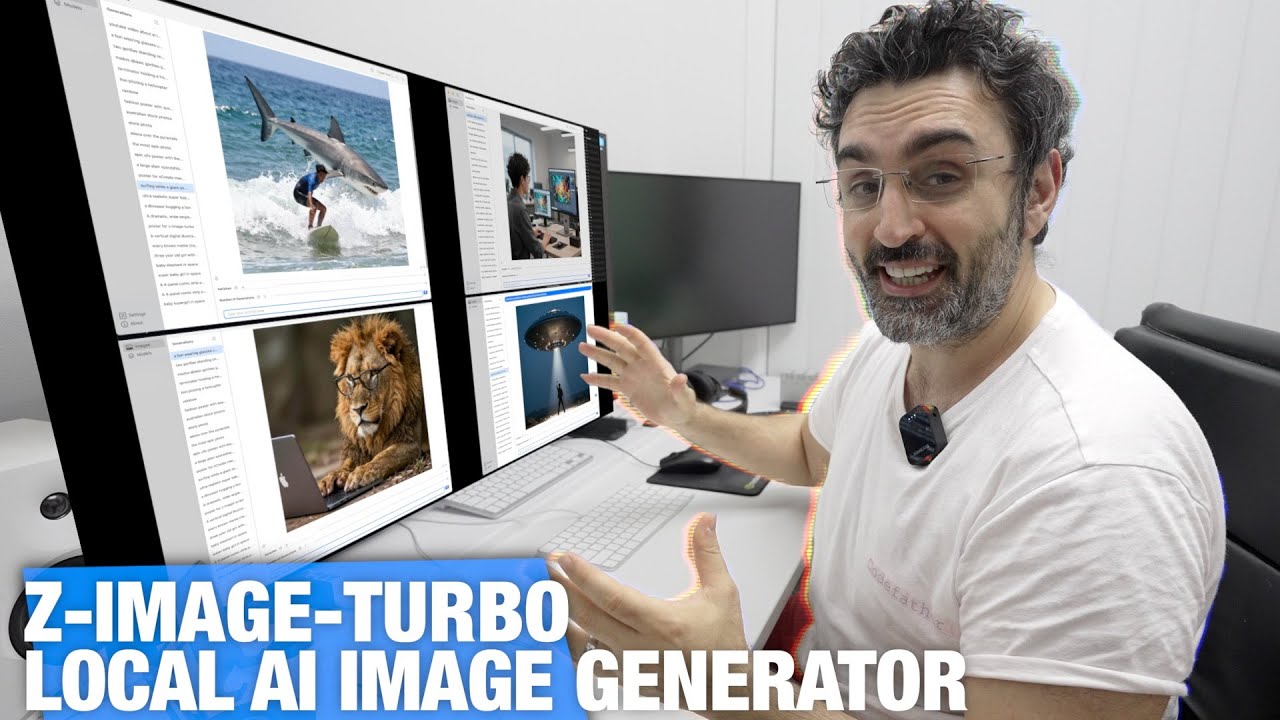
How to Run Z-Image-Turbo on Mac | FREE Local AI Image Generator w/ xCreate
Keywords
Summary
176 words
Critical Evaluation
Value of the Information & Strength of the Argument
The video offers practical value for users wanting to run an advanced AI image generation model locally. The argumentation is built on live demonstrations and personal experience, showing real-time generation speeds and image quality. The creator compares the model to existing options like Stable Diffusion, discusses hardware needs, and provides tips on getting better results by generating multiple variations. However, the claims are anecdotal and lack quantitative benchmarks, making the argumentation convincing but not scientifically rigorous.
Scientific Rigor, Source Quality, Title Accuracy
The video does not cite academic or external sources; it relies on the presenter’s own testing and the model’s Hugging Face page. The title is accurate and matches the content. The description includes affiliate links and a promotional mention for Higgsfield AI, but these do not compromise the tutorial’s core content. No formal citations are provided, which limits the scientific rigor, but the practical demonstrations are reproducible.
158 words
Title / Content Match
Title accurately describes the content: running Z-Image-Turbo locally on Mac using xCreate.
Quality & Reliability
7/10
The video provides practical demonstrations and hands-on testing of the Z-Image-Turbo model. The creator explains requirements and shows real-time performance. However, no benchmarks or formal comparisons are provided, and claims are based on personal experience.
Key Moments
Markers derived by PSI from the transcript: the creator did not define chapters.
- Discussion of hardware requirements and quantization plans.
- Introduction to xCreate app and downloading the model.
- First live image generation and RAM usage demonstration.
- Showcasing a variety of generated images and quality.
- Story about App Store submission and review process.
- Additional image examples and future plans for the app.
Cited Sources
- xCreate official website — The app being demonstrated in the video.
- Companion video: Olmo 3.1 — Referenced as a related video.
- Companion video: DeepSeek V3.2 — Referenced as a related video.
- Companion video: Kimi K2 Thinking — Referenced as a related video.
- Mac Studio Review — Referenced as a related video.
External References
Contribution & Novelties
The video’s original contribution is a practical, step-by-step demonstration of running Z-Image-Turbo locally on a Mac via the xCreate app, which is uncommon in the AI image generation space. It highlights the model’s speed and ease of use for non-experts. However, it lacks deeper technical analysis or benchmarking, so its novelty is limited to the tutorial aspect.
Pour aller plus loin :
- ComfyUI — A powerful node-based UI for running diffusion models; mentioned in the video as an alternative.
- Apache License 2.0 — Explains the open-source license that allows commercial use, as highlighted for Z-Image-Turbo.
- Model quantization — A technique to reduce model size, which the creator plans to implement to support lower-RAM systems.
114 words
Radar Profile
The scores reflect a tutorial that offers a good amount of practical information but lacks technical depth and formal sourcing. The high 'quantite_information' and 'qualite_information' indicate a useful introduction, while 'niveau_technique' and 'fiabilite_globale' are moderate, suggesting it is accessible but not authoritative.