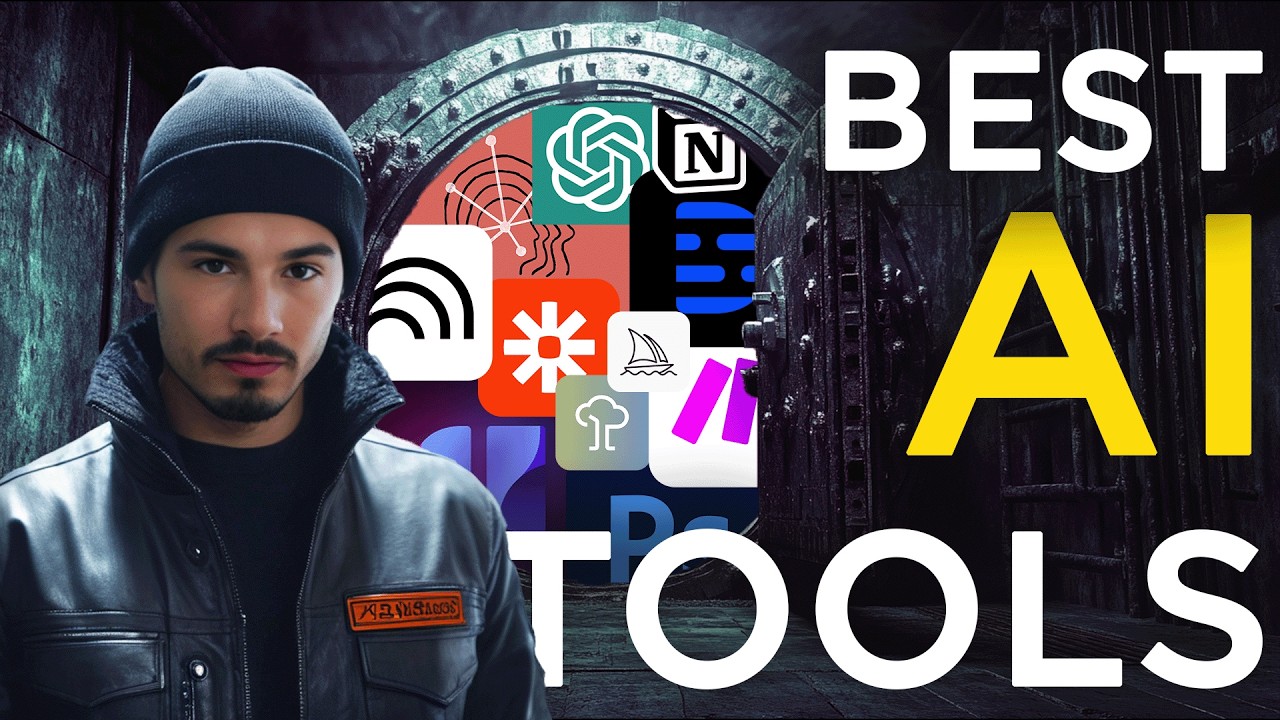
I Tested 1000 AI Tools, These Are The 22 I Actually Use
Keywords
Summary
195 words
Critical Evaluation
Value of the Information & Strength of the Argument
The video provides valuable, practical insights into the real-world usage of AI tools by a team that is deeply embedded in the AI space. The creator’s argumentation is based on direct experience and specific use cases, which adds credibility. He clearly explains why each tool is used, often comparing it to alternatives and noting limitations. The value lies in the curation and the honest assessment of what works and what doesn’t in a professional context. However, the argumentation is largely anecdotal and lacks quantitative data or rigorous testing methodology, making it more of an expert opinion than a systematic evaluation.
Scientific Rigor, Source Quality, Title Accuracy
The video is a personal testimony rather than a scientific review, so the rigor is moderate. The creator is transparent about the lack of sponsorship and provides links to all mentioned tools in the description, which is helpful for verification. However, there are no external sources or citations to support claims about tool performance. The title accurately reflects the content, and the video is well-structured with chapters. The creator also mentions that opinions are dated as of the video’s release, acknowledging the fast pace of AI development. Overall, the sources are the tools themselves and the creator’s experience, which is appropriate for this type of content.
221 words
Title / Content Match
The title accurately reflects the content: the creator presents 22 AI tools that he and his team actually use, based on testing many more.
Quality & Reliability
7/10
The video is a personal, experience-based overview of AI tools used by the creator's team. It is transparent about the lack of sponsorship and provides practical insights, but it is subjective and not peer-reviewed. The information is current as of the publication date and may become outdated quickly.
Chapters
Cited Sources
- Adobe Photoshop — Mentioned as a primary graphics tool with AI features like generative fill.
- Adobe Premiere Pro — Used for video editing, with AI transcription and gap removal features.
- Artflow — Platform for custom image generation with presets and Dreambooth.
- Canva — Used for quick social media graphics with AI features.
- ChatGPT — Primary LLM for brainstorming, rewriting, data analysis, and more.
- Claude — Used for coding and drafting with a preferred tone.
- Descript — AI-native video editing platform used for transcription and timestamping.
- ElevenLabs — Voice generation used for the quiz and video corrections.
- Flux AI — Image generation model used for custom thumbnails.
- Gamma AI — AI-native presentation creation tool.
- Google Meet Gemini — Used for meeting summaries and notes.
- Make — No-code automation platform used for various workflows.
- Midjourney — Used for generating art and banners.
- NotebookLM — Used for research and generating podcasts from sources.
- Notion — Used for project management and content transformation.
- Perplexity — AI search engine used for factual questions and comparisons.
- Replicate — Platform used to run and train custom models like Flux.
- Runway — Used for video generation and background removal.
- HeyGen — Avatar generation used in the quiz and courses.
- CapCut — Mentioned in the description, likely used for video editing.
Concurring Sources
- AI tool rankings by The AI Advantage — The creator's own community rankings, which may align with the tools mentioned.
External References
Contribution & Novelties
The video offers a unique perspective by sharing the actual AI tool stack of a team that is deeply involved in AI content creation. It provides practical insights into how these tools are integrated into real workflows, including automations and custom solutions. The creator also introduces a personalized quiz that recommends resources based on user interests, showcasing an innovative use of AI tools.
Pour aller plus loin :
- AI tool landscape overview — Provides a broad context on AI technologies.
- No-code automation — Relevant to the use of Make and Zapier.
- Generative adversarial networks — Underlying technology for image generation tools like Midjourney and Flux.
105 words
Radar Profile
The radar profile shows a balanced score across all dimensions, with slightly higher scores in quantity and quality of information, reflecting the video's strength in providing a comprehensive list of tools with practical insights. The lower technical level indicates that the content is accessible to a general audience, while the overall reliability is moderate due to the subjective nature of the review.
💬 Sur les 0 commentaires analysés, aucune tendance n'a pu être dégagée.