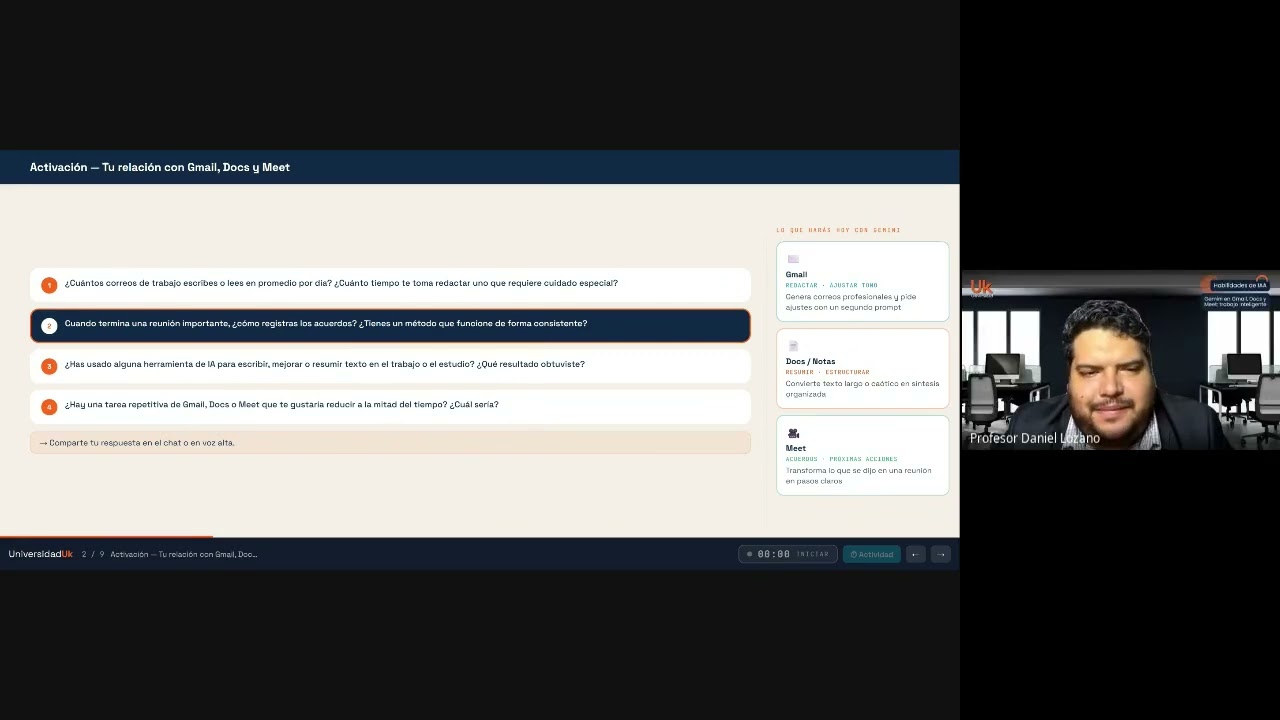
Gemini en Gmail, Docs y Meet: trabajo inteligente
Gemini in Gmail, Docs and Meet: smart work
Title history
- Gemini en Gmail, Docs y Meet: trabajo inteligente — observed on 20261025-1449 UTC (YouTube)
Keywords
Summary
139 words
Critical Evaluation
Value of the Information & Strength of the Argument
The primary value lies in its practical orientation: it shows real users how to apply Gemini in familiar tools and addresses common pain points like drafting emails, summarizing meeting notes, and structuring documents. The argumentation is built on participant experiences and simple demonstrations, but it lacks rigorous evidence or comparative analysis. The instructor offers general advice but does not provide detailed prompt engineering techniques or benchmarks. The content is useful for beginners but insufficient for advanced users or those seeking measurable productivity gains.
Scientific Rigor, Source Quality, Title Accuracy
The scientific rigor is low: the video is a casual workshop with no citations or references to official documentation or studies. The quality of sources is minimal, as the instructor relies on common knowledge and participant testimonies. The title adequately matches the content, covering the three tools mentioned. However, the lack of structured demonstrations and reliance on subjective experiences limit its reliability. The video does not present any original research or verified data, making it more of an opinion-based tutorial.
178 words
Title / Content Match
Title accurately reflects content: a session on using Gemini in Gmail, Docs, and Meet.
Quality & Reliability
6/10
Practical training session with anecdotal participant experiences; lacks verifiable sources or rigorous methodology.
Key Moments
Markers derived by PSI from the transcript: the creator did not define chapters.
Contribution & Novelties
The video brings a practical perspective on using Gemini in everyday productivity tools, but it does not introduce novel insights. It mainly reinforces known practices and highlights user concerns. For further exploration, the following concepts are relevant:
Pour aller plus loin :
- Gemini (Google AI) — Official website for Gemini features.
- Google Workspace — Overview of the suite where Gemini is integrated.
- Prompt engineering — A key skill for effective use of AI tools.
74 words
Radar Profile
The radar profile shows moderate scores across all dimensions, with quantity and reliability slightly above quality and technical level. This suggests the video is broad and accessible but not deep or highly authoritative.